Lift Asset Register
Record building, lift number, capacity, floors served and equipment references.
CRM software for lift & elevator maintenance to manage lift and elevator customer sites, equipment details, maintenance visits, breakdown complaints, service records and contract renewals in one organised workflow. ServeWell CRM helps teams track follow-up actions and coordinate service responsibilities.
For service providers managing elevator and lift maintenance customers, equipment, service requests and follow-ups.
Track each lift separately, from preventive visits to breakdown and repair follow-up.
Record building, lift number, capacity, floors served and equipment references.
Log lift stoppage or door faults and follow the company’s urgent response procedure.
Assign inspection findings and pending repairs to an owner and target date.
For elevator and lift assets, connect the customer record to the relevant job details, assigned owner and next action.
For elevator and lift assets jobs, log the customer decision and outcome before setting the next service action.
Review elevator and lift assets due dates, open tasks and customer responses to decide what the team should do next.
Keep the operational steps for lift maintenance jobs visible to sales, service coordinators and field staff.
Record building, lift number, capacity, floors served and equipment references.
Log lift stoppage or door faults and follow the company’s urgent response procedure.
Assign inspection findings and pending repairs to an owner and target date.
Keep lift maintenance service notes, parts or materials used and the result connected to the job.
Record the update shared with the lift maintenance customer and any approval or pending decision.
Add the next visit, due date or follow-up for the lift maintenance account.
Assign inspection findings and pending repairs to an owner and target date. Record building, lift number, capacity, floors served and equipment references.
Record building, lift number, capacity, floors served and equipment references.
Log lift stoppage or door faults and follow the company’s urgent response procedure.
Assign inspection findings and pending repairs to an owner and target date.
Industry-specific records help the team understand what has happened, what remains open and who needs to act next.
Use a due-date list for lift maintenance work and assign a person to review upcoming actions.
Record building, lift number, capacity, floors served and equipment references.
Give each open lift maintenance task a responsible person and a visible next action.
Record the last contact and next follow-up so lift maintenance customers are not left waiting.
Log lift stoppage or door faults and follow the company’s urgent response procedure.
Assign inspection findings and pending repairs to an owner and target date.
Track each lift separately, from preventive visits to breakdown and repair follow-up.
Record building, lift number, capacity, floors served and equipment references.
Log lift stoppage or door faults and follow the company’s urgent response procedure.
Assign inspection findings and pending repairs to an owner and target date.
Match the system to your team’s actual work, records and customer communication process.
Record building, lift number, capacity, floors served and equipment references.
Log lift stoppage or door faults and follow the company’s urgent response procedure.
Assign inspection findings and pending repairs to an owner and target date.
Before choosing software for elevator and lift assets, confirm the required fields, staff access, reports and support arrangements against your actual service process.
Record building, lift number, capacity, floors served and equipment references.
Log lift stoppage or door faults and follow the company’s urgent response procedure.
Record building, lift number, capacity, floors served and equipment references.
Assign inspection findings and pending repairs to an owner and target date.
It can help when several customer jobs need clear status, ownership and next-action dates.
No. The service team must still follow the relevant technical procedures, safety rules and industry requirements.
For elevator and lift assets, record applicable warranty, contract or inspection dates in the configured customer or asset fields.
Keep completed work notes linked to the relevant customer, site or equipment for future reference.
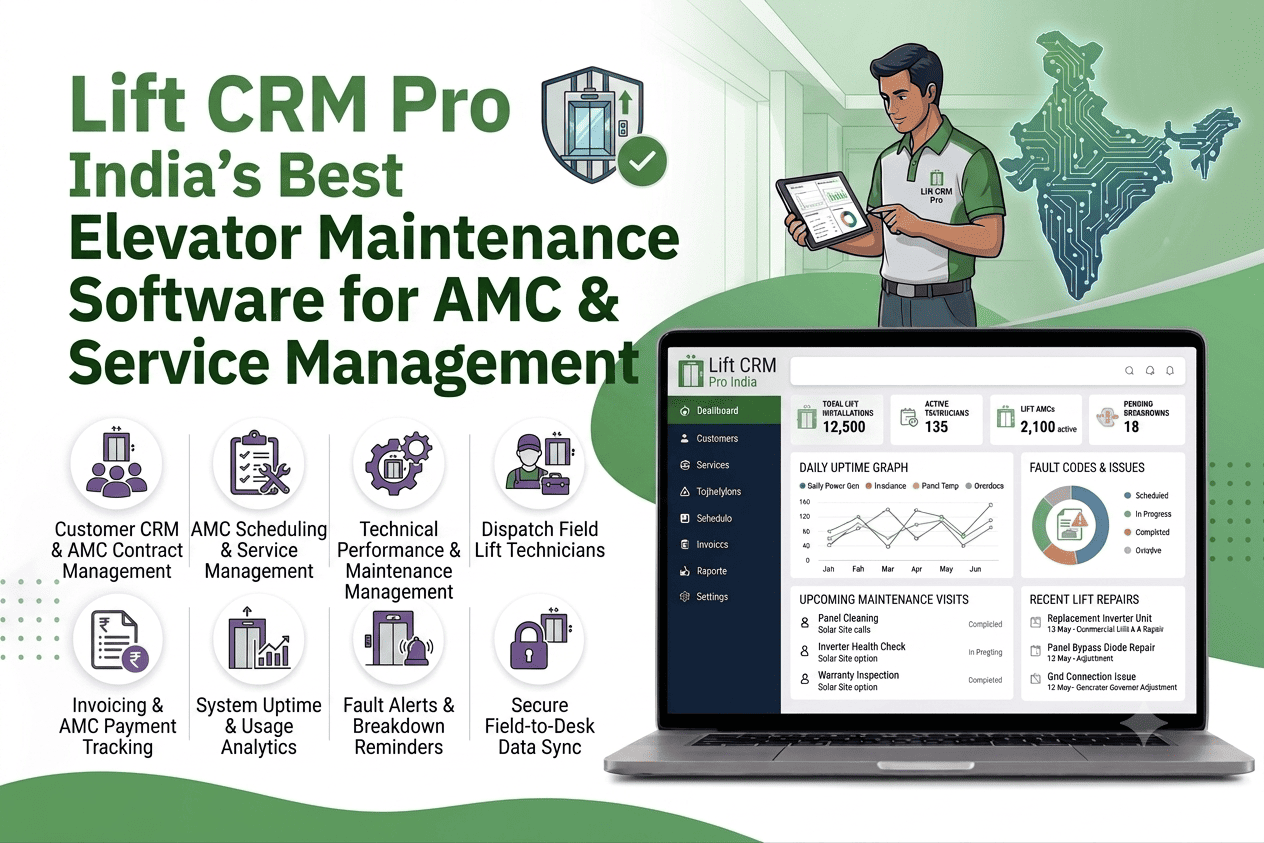
See how industry-specific records, service tasks and customer follow-ups can fit your team’s process.
Call 94239 64353 to discuss your requirements.
Copyrights © 2026. All rights reserved. ServeWell CRM