Property Inspection
Record property type, affected area, reported pest and access instructions.
Organise pest control enquiries, customer locations, treatment plans, scheduled visits, service history and repeat-service follow-ups. ServeWell CRM helps pest control teams coordinate technicians, quotations, contracts and customer communication.
For service providers managing pest control customers, equipment, service requests and follow-ups.
Connect property inspections, treatment visits and post-treatment follow-ups.
Record property type, affected area, reported pest and access instructions.
Track inspection, quotation, approval, treatment and follow-up stages.
Keep revisit timing tied to the agreed treatment plan and service notes.
For pest inspection and treatment, connect the customer record to the relevant job details, assigned owner and next action.
For pest inspection and treatment jobs, log the customer decision and outcome before setting the next service action.
Review pest inspection and treatment due dates, open tasks and customer responses to decide what the team should do next.
Keep the operational steps for pest control jobs visible to sales, service coordinators and field staff.
Record property type, affected area, reported pest and access instructions.
Track inspection, quotation, approval, treatment and follow-up stages.
Keep revisit timing tied to the agreed treatment plan and service notes.
Keep pest control service notes, parts or materials used and the result connected to the job.
Record the update shared with the pest control customer and any approval or pending decision.
Add the next visit, due date or follow-up for the pest control account.
Keep revisit timing tied to the agreed treatment plan and service notes. Record property type, affected area, reported pest and access instructions.
Record property type, affected area, reported pest and access instructions.
Track inspection, quotation, approval, treatment and follow-up stages.
Keep revisit timing tied to the agreed treatment plan and service notes.
Industry-specific records help the team understand what has happened, what remains open and who needs to act next.
Use a due-date list for pest control work and assign a person to review upcoming actions.
Record property type, affected area, reported pest and access instructions.
Give each open pest control task a responsible person and a visible next action.
Record the last contact and next follow-up so pest control customers are not left waiting.
Track inspection, quotation, approval, treatment and follow-up stages.
Keep revisit timing tied to the agreed treatment plan and service notes.
Connect property inspections, treatment visits and post-treatment follow-ups.
Record property type, affected area, reported pest and access instructions.
Track inspection, quotation, approval, treatment and follow-up stages.
Keep revisit timing tied to the agreed treatment plan and service notes.
Match the system to your team’s actual work, records and customer communication process.
Record property type, affected area, reported pest and access instructions.
Track inspection, quotation, approval, treatment and follow-up stages.
Keep revisit timing tied to the agreed treatment plan and service notes.
Before choosing software for pest inspection and treatment, confirm the required fields, staff access, reports and support arrangements against your actual service process.
Feedback shared by businesses using ServeWell CRM for customer and service management.
"For our pest control business billing and quotation preparation becomes simple in this CRM.It’s made our paperwork a lot lighter now."
"It’s a good fit for pest control businesses. Simple to use, and the team is always helpful when we need support."
"We were looking for a CRM that wasn’t too complex but still had useful features. This was the good fit. It’s easy to train new staff on it, and the support team is co-operative and helpful."
"Thanks to the AMC module, we now manage all annual contracts without spreadsheets. It reminds us before due dates and keeps everything in one place. It’s been a useful for our service team."
"I like that the software is easy to use and doesn’t require a lot of training. It saves us time every day. It’s been a useful tool for our operations." It has increased our efficiency."
"Managing jobs, clients, and follow-ups is much easier now. The software is clean and easy to use. We’re not tech experts, but we’ve had no trouble using it regularly."
"The software helps us manage treatment schedules and AMC follow-ups. We don’t miss many visits now"
"We can now manage client complaints quickly and assign technicians from the system. No more confusion or delays."
"We’ve streamlined our complaint process using the CRM. Now, we can track open issues, assign them to the right team, and ensure timely closure. It’s made us look more professional to our clients."
Record property type, affected area, reported pest and access instructions.
Track inspection, quotation, approval, treatment and follow-up stages.
Record property type, affected area, reported pest and access instructions.
Keep revisit timing tied to the agreed treatment plan and service notes.
It can help when several customer jobs need clear status, ownership and next-action dates.
No. The service team must still follow the relevant technical procedures, safety rules and industry requirements.
For pest inspection and treatment, record applicable warranty, contract or inspection dates in the configured customer or asset fields.
Keep completed work notes linked to the relevant customer, site or equipment for future reference.
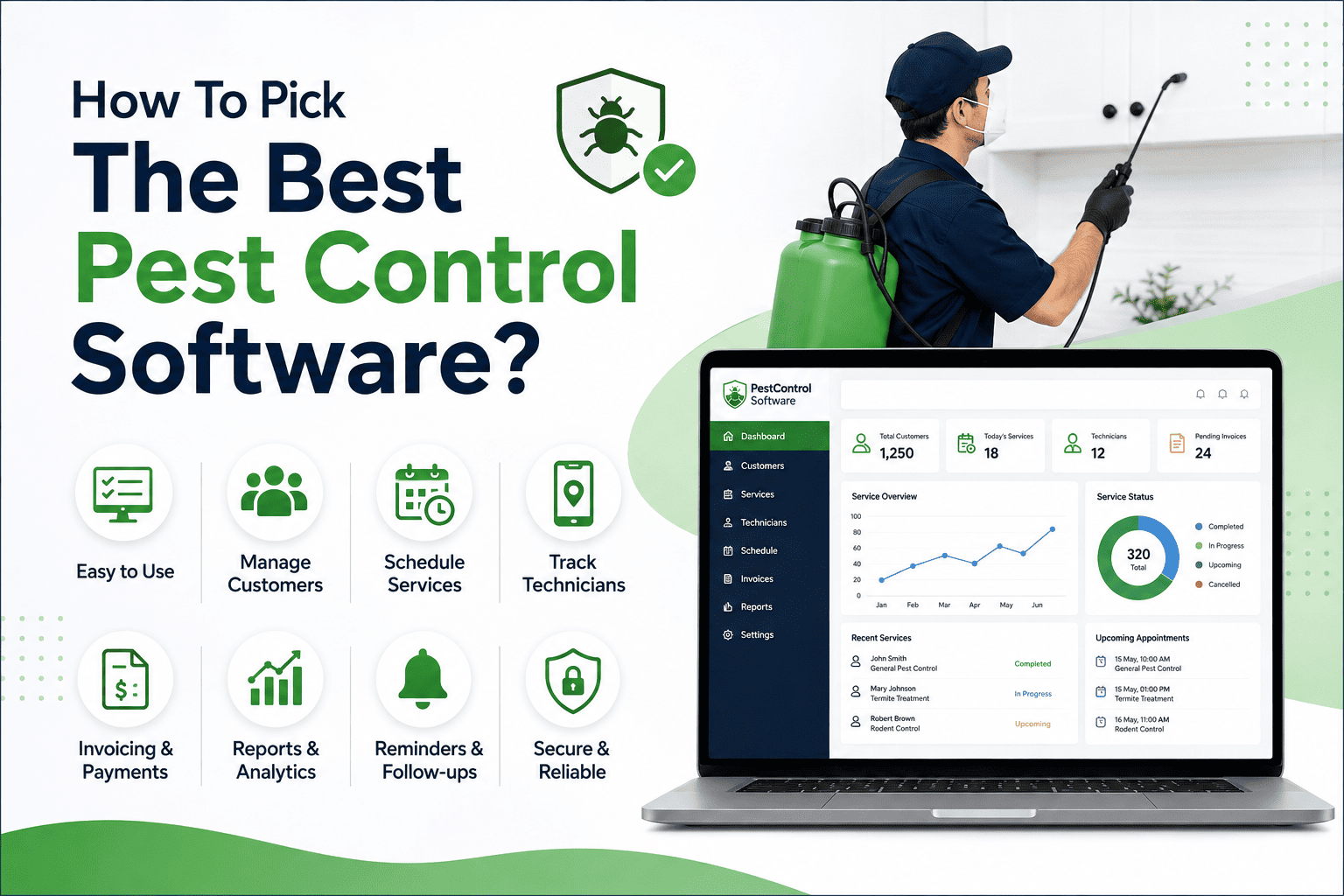
See how industry-specific records, service tasks and customer follow-ups can fit your team’s process.
Call 94239 64353 to discuss your requirements.
Copyrights © 2026. All rights reserved. ServeWell CRM